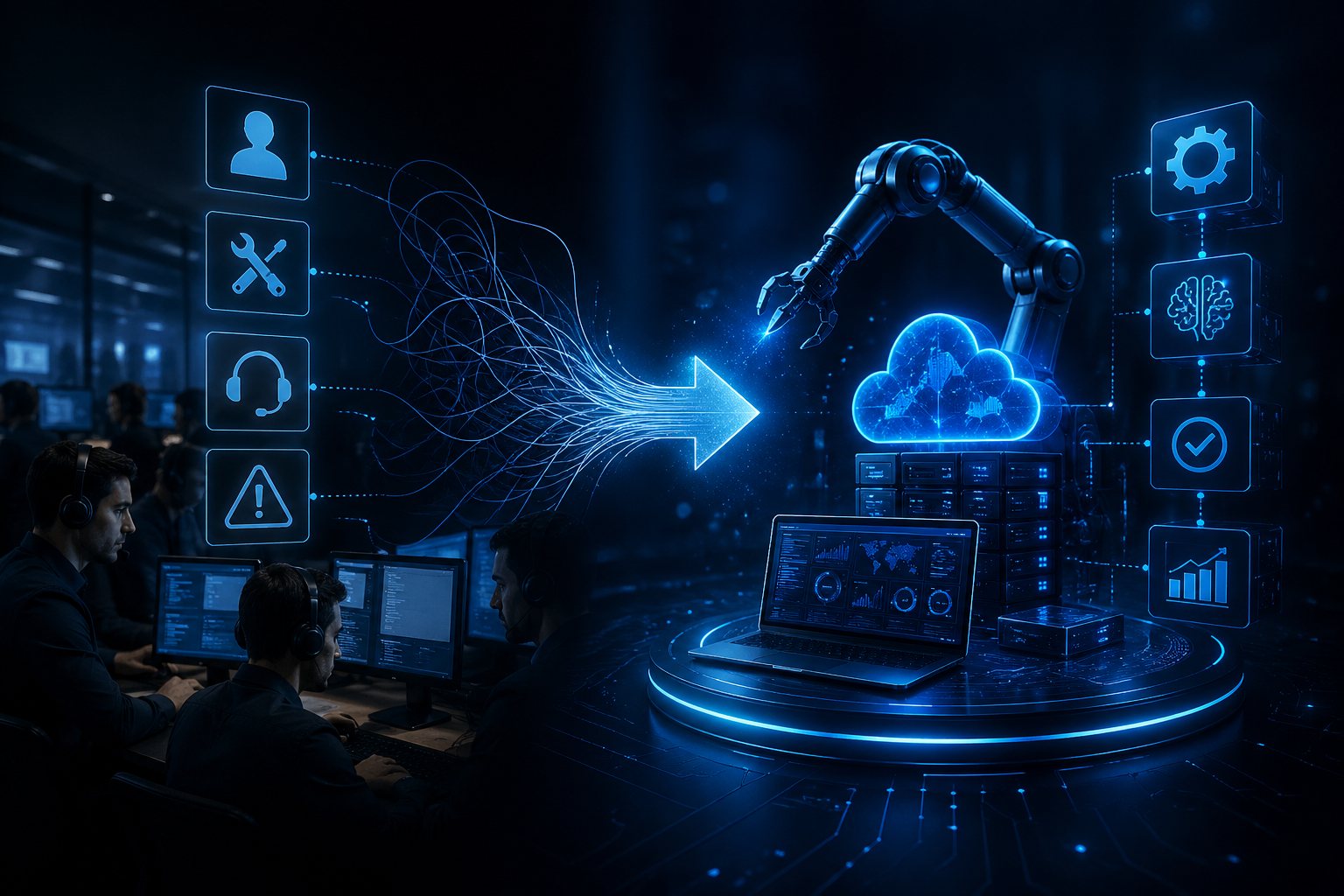
The IT sector is currently undergoing its most significant transformation in its entire history. For many years, the role of IT staff members has been primarily regarded as an auxiliary function that aimed at fixing technical failures in case they occurred.
In case a computer system failed to work properly, it was repaired. In case a server broke down, it was switched off. In case users faced some trouble, all issues were identified and solved manually. All of this worked fine when systems and companies themselves used to be relatively simple and straightforward. However, the current context is dramatically different. Today, modern enterprises work based on advanced digital systems which provide services around the clock to a worldwide audience, analyzing and processing huge volumes of information.
Traditional IT Support: How It Used to Work
To comprehend this transition, it is crucial to comprehend how IT support used to operate.
The primary feature of classic IT automation operations was reactivity. The whole process of resolving any issues was solely focused on responding after they occurred.
Among other things, an average IT support team would take care of:
Responding to customer grievances
- Operating helpdesk requests
- Addressing software malfunctions
- Performing manual server restarts
- Monitoring system alarms
- Fixing network outages
- Solving login/access problems
Each problem needed human intervention. No artificial intelligence could foresee problems or solve them autonomously.
It caused a few significant problems:
First, the reaction period became rather long. In case a system experienced some downtime during night hours, users had to wait for engineers to detect it and resolve.
Second, the job involved repetitive actions. IT staff was frequently solving the same problems over and over again, including password resets or small system malfunctions.
Third, scaling proved impossible. When companies grew, the number of incidents rose; however, the amount of human power remained limited.

Why This Model No Longer Works Today
The traditional IT support model is becoming outdated because modern businesses operate in a completely different environment.
Time is of Essence
In today’s world, people want things instantly. This applies to applications, websites, and enterprise systems alike; even a small lag can be infuriating.
From a business perspective, this translates to:
- Loss of customers
- Failed deals
- Diminished trust
- Bad user experience
A human team cannot possibly react to such expectations promptly.
The Systems Have Become Too Complex
Nowadays, IT systems cannot be simplified anymore. They consist of:
- Cloud service providers
- Distributed environments
- Microservices architectures
- API integration
- Real-time systems
One problem may affect many systems simultaneously. Hence, troubleshooting becomes quite challenging and lengthy when performed manually.
Companies Work Around the Clock
As compared to before, companies now operate on a global scale without any geographical constraints. Their IT services must be available round-the-clock.
They must:
- Be available always
- Self-heal in case of problems
- Adapt to peak traffic
An IT support team working exclusively manually cannot sustain this load consistently.
Pressure on Costs is High
In addition, companies feel pressured to cut costs wherever possible. Hiring and managing IT support teams is very expensive.
Nowadays, companies want:
- Fewer people
- Smart machines
- AI tools that automate tasks
Emergence of AI
Ultimately, what drives all these changes is artificial intelligence.
Advanced systems today can:
- Anticipate failures
- Correct minor issues
- Monitor operations in real time
- Forecast system downtime
- Optimize resources
Hence, there is less need for manual processes.
What IT Automation Roles Actually Mean
As support roles decline, new automation-focused roles are emerging. In this roles, IT professionals are no longer just fixing problems. Instead, they are designing systems that prevent problems. Building automated workflows is about making systems that can do tasks on their own without people having to do them.
For instance the system can send alerts or update records by itself based on rules so people do not have to do it manually. Managing cloud infrastructure is handling the servers and services that’re on the cloud like AWS or Azure.
If something goes wrong the system will find out away and tell the team so they can fix the problem.
- Implementing AI-based alerts means using AI systems to send alerts when they find problems, errors or issues with performance. This way people do not have to wait until someone notices that something is wrong because the AI system will send an alert automatically when it detects activity.
- Improving system performance is making sure that the systems are fast, stable and work well. The IT teams make sure that the systems have the resources they need so the applications can run smoothly when a lot of people are using them.
- Reducing intervention means making it so that people do not have to fix or manage routine tasks as much. takes care of the work so the IT teams can focus on making things better.
- Creating self-healing systems is making systems that can find problems and fix them on their own without any help from people.
For example these systems can restart a service that failed or balance the load, on the servers by themselves so people do not have to do it.
Simple Comparison: Old vs New IT Roles
| Traditional IT Support | Modern IT Automation Roles |
|---|---|
| Fix issues manually | Prevent issues automatically |
| Reactive approach | Proactive approach |
| Ticket-based work | System design work |
| High manual workload | Low manual workload |
| Human monitoring | AI-powered monitoring |
| Repetitive tasks | Strategic improvement tasks |
Real-Life Example: Before and After Automation
Let’s take a real-world scenario.
Before Automation
A company that is not too big and not too small had an IT support team with 15 people. The IT support team had to do a lot of things like handle tickets fix problems with the servers and keep an eye on the systems by themselves.
They had a lot of problems such, as:
- The systems were slow all the time
- The same technical issues kept happening over
- The employees had too much work to do
- It took a time to get help when it was really busy
The IT support team was always working but the system was still not working very well. The IT support team was busy all the time. The system was still not good enough.
After Automation
The company started using automation tools, cloud monitoring systems and alerts based on intelligence.
The results were really big:
- About 70 percent of problems were. Fixed on their own
- The number of tickets went down a lot
- The time the system was down got much shorter
- The IT team size was made right
Now the IT team spends their time making systems better and creating more workflows instead of fixing problems all the time.
How IT Job Roles Are Evolving
The definition of IT jobs is changing completely. Traditional roles like basic support technicians are slowly decreasing, while new roles are increasing, such as:
- DevOps Engineers
- Cloud Architects
- Automation Engineers
- AI Operations Specialists
- Infrastructure Engineers
- Security Automation Experts
These roles require deeper technical knowledge and focus more on system design than manual work.
Skills IT Professionals Need Today
The company started using IT solutions like automation tools and cloud monitoring systems. They also used alert systems that are powered by intelligence.
These tools really helped the company manage its IT operations in a more efficient way. The company was able to do things faster.
After the company implemented these technologies the results were very significant. The company saw a difference.
Around 70% of the problems started getting fixed without any human involvement. This means the IT systems were able to detect and fix small issues by themselves. The systems were able to fix these issues before they became problems.
Because of this automation the company saw a drop in the number of support tickets. Employees no longer had to report and fix the issues over and over again.
Challenges in This Transition
This shift is a thing but it does come with some challenges.
| Challenge | Simple Explanation |
|---|---|
| Learning Curve | tools and cloud systems require new skills, so IT professionals must keep learning and upgrading their knowledge regularly. |
| Resistance to Change | Many professionals are comfortable with traditional IT methods and find it difficult to adapt to new automations-based systems. |
| Skill Gap | There is a clear gap between existing IT skills and the advanced skills needed for automations, AI, and cloud technologies. |
| Initial Complexity | At the beginning, automations tools and systems may feel complex and confusing before gaining hands-on experience. |
Automation systems can seem complicated, at first for teams that are used to doing things manually..
Benefits of Moving to Automation Roles
Faster system performance
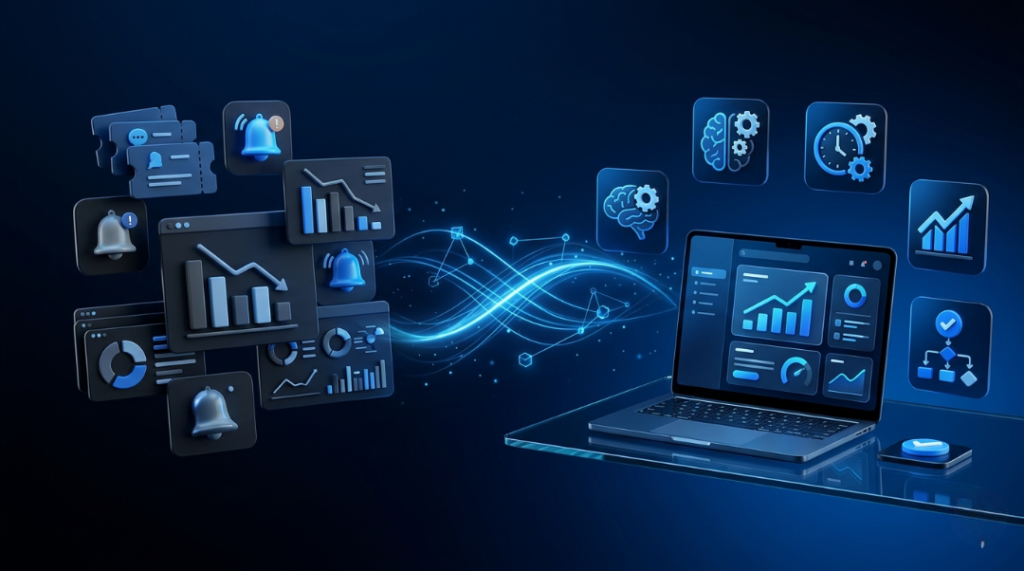
Automations makes systems respond quickly because tasks are handled instantly by software of waiting for human action. This makes the system performance faster. The automations of systems reduces delays. Improves overall speed of the system performance.
Reduced manual errors
When humans handle IT tasks mistakes can happen. Automation follows fixed rules so it reduces errors and makes the processes more accurate and reliable. The automation reduces errors in the system.
Higher productivity
IT teams no longer spend time on work. Instead they focus on tasks like improving systems and building better solutions, which increases the overall productivity of the IT teams. The automation leads to productivity.
operational costs
It reduces the need for large support teams and repeated manual work. This helps companies save money on staffing, maintenance and problem-solving efforts. The automations results in operational costs for companies.
Better scalability
As a business grows automated systems can handle users, data and traffic without needing a big increase, in manpower. This makes it easier to scale operations of the business. The automations leads to scalability of the system.
Improved system reliability
Automated systems continuously. Manage performance, which helps keep systems stable and reduces unexpected failures. It improves the system reliability. The system reliability is improved with automation.
Reduced downtime
It detects and fixes issues quickly often before users even notice them. This keeps systems running smoothly with interruptions. The automation reduces downtime of the system. The system downtime is reduced with it.
Future of IT Teams
The future IT team will look very different from today.
Instead of spending time fixing problems, they will:
- Design intelligent systems
- Manage AI-powered infrastructure
- Improve automation workflows
- Optimize cloud environments
- Focus on system innovation
In the future, IT support will not disappear it will evolve into intelligent system management.
Conclusion
The change from IT support roles to automation roles is a deal in the technology world right now. IT support roles to automation roles is what the technology industry is going through. Companies do not want people who just fix things when they go wrong. They want systems that can stop problems from happening find problems and fix them by themselves.
So IT professionals are becoming automation experts. Automation experts design systems that are smarter and work better. Automation roles are what IT professionals are moving to. To put it simply IT is not about fixing things when they break. IT is, about making systems that do not break easily. IT support roles are changing to automation roles.
FAQ’s
1. Why are IT teams moving from support to automation roles?
IT teams are shifting because businesses now need faster and more reliable systems. Automation helps reduce manual work, prevent issues before they happen, and improve overall system efficiency instead of only fixing problems after they occur.
2. Will automation replace IT support jobs completely?
No, automation will not fully replace IT jobs. It will reduce repetitive and basic support tasks, but it will also create new roles in cloud computing, automation engineering, DevOps, and AI-driven IT management.
3. What skills are needed for IT automation roles?
IT professionals need skills in cloud platforms, automation tools, scripting languages, DevOps practices, system monitoring, and basic understanding of AI-driven tools to succeed in automation-focused roles.
4. Is IT automation difficult to learn?
It may feel challenging in the beginning because it involves new tools and concepts. However, with consistent practice and hands-on learning, it becomes easier and opens up better career opportunities.
5. What are the benefits of automation in IT?
Automation improves system speed, reduces human errors, lowers operational costs, increases productivity, and ensures more stable and reliable IT systems with less manual effort.
6. Do companies still need IT support teams?
Yes, IT support teams are still needed, but their role is evolving. Instead of only fixing issues, they now focus more on system improvement, automation setup, and preventing problems before they occur.