

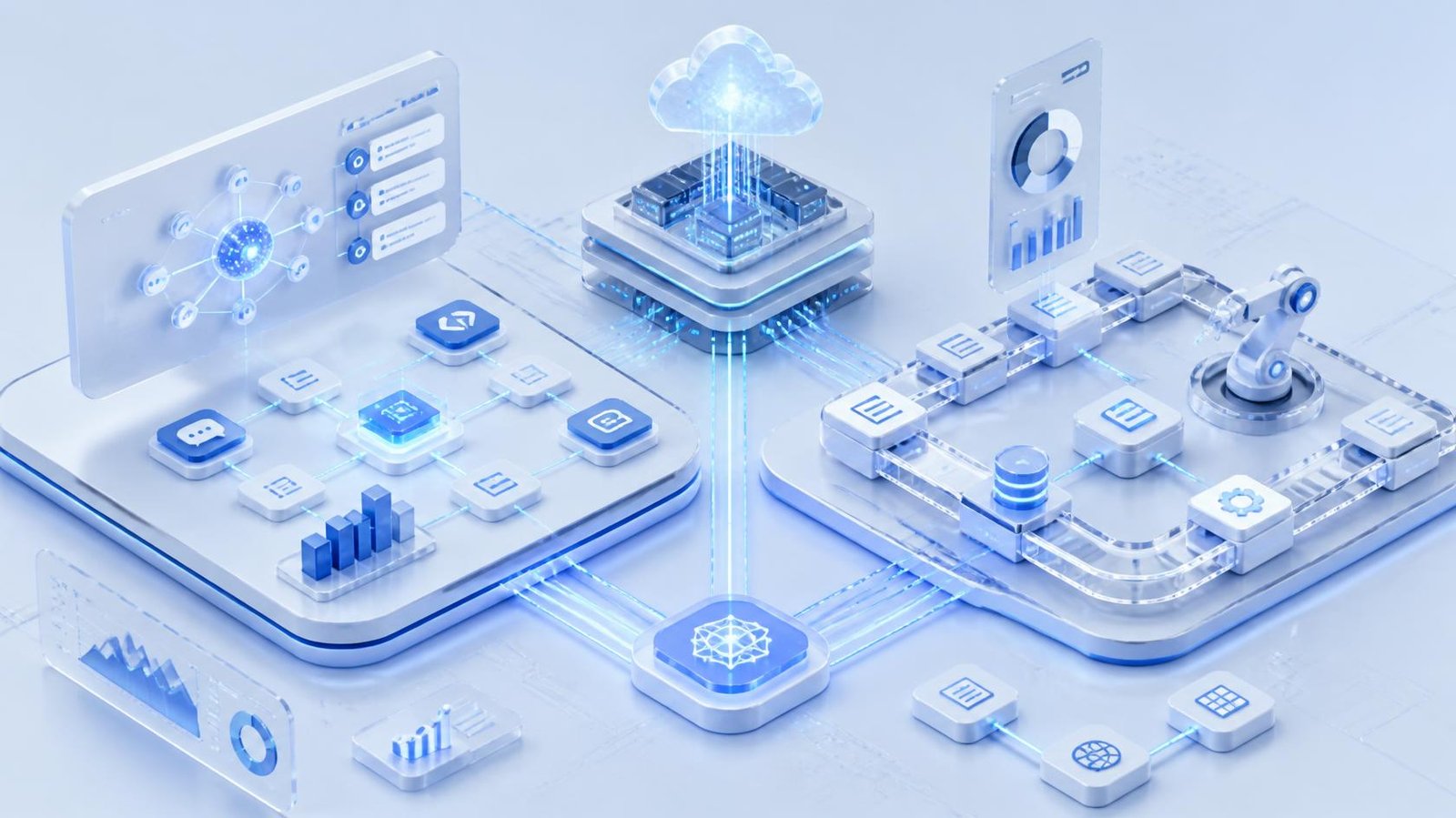
Businesses have been automating repetitive work for years. Robotic Process Automation (RPA) helped organizations automate tasks such as data entry, invoice processing, report generation, system updates, and repetitive form submissions.
Now, AI Agent Automation is changing the conversation.Instead of simply following predefined instructions, AI agents can interpret information, understand goals, make decisions within defined boundaries, interact with business tools, and adapt their actions based on changing circumstances. This makes them especially useful for workflows that involve unstructured information, exceptions, and decision-making.
The answer is not simply that AI agents are replacing RPA. RPA remains highly effective when a process is predictable, rules-based, structured, and stable. AI Agent Automation becomes more valuable when workflows require interpretation, context, reasoning, or dynamic decision-making. Industry analysis increasingly points toward a complementary model in which RPA handles deterministic execution while AI agents manage more dynamic parts of a workflow. The real objective should therefore not be choosing the newest technology. It should be choosing the right automation architecture for the process.
What Is AI Agent Automation?
AI Agent Automation uses AI-powered agents to perform tasks and workflows with a degree of autonomy. Traditional automation generally requires developers or process designers to define every step. AI agents operate differently. They can receive a goal, examine available information, determine appropriate actions, use connected tools, evaluate results, and continue or escalate when necessary.
For example, imagine a company receives hundreds of customer emails every day.
A traditional automation workflow might look like this:
- Receive email.
- Identify sender.
- Search for a keyword.
- Assign a predefined category.
- Send a predefined response.
An AI agent can approach the same workflow differently:
- Read the customer’s message.
- Understand the customer’s intent.
- Retrieve relevant account information.
- Determine the appropriate response.
- Check company policies.
- Draft or send an approved response.
- Update the CRM.
- Escalate unusual or high-risk cases to a human.
This difference is central to AI Agent Automation. The system is not merely repeating clicks. It is using AI to interpret context and determine what should happen next. Modern agentic automation is increasingly being positioned for complex and dynamic processes that traditional automation cannot easily handle.
What Is RPA?
Robotic Process Automation, commonly known as RPA, uses software bots to perform repetitive, rule-based digital tasks. An RPA bot can interact with applications in a way similar to a human employee. It can open software, copy information, enter data, click buttons, move files, generate reports, and perform predefined actions.
For example, an organization may have an employee manually transferring customer information from an email system into a CRM.
An RPA bot can automate the same sequence:
Open email → copy customer information → open CRM → enter information → save record.
If the process remains consistent, RPA can execute it repeatedly and efficiently. This makes RPA particularly valuable for structured, high-volume, predictable processes. Unlike AI agents, traditional RPA does not generally decide what the overall objective should be or dynamically determine how to achieve it. It executes the workflow that has been defined for it.
AI Agent Automation vs RPA: The Key Difference
The easiest way to understand the difference is:
RPA automates predefined steps, while AI Agent Automation can automate goal-oriented workflows that require interpretation and decision-making.
RPA asks:
“What steps should I execute?”
AI Agent Automation asks:
“What is the goal, what information do I have, and what should I do next within my permissions?”
This distinction becomes important when processes become unpredictable. Suppose an accounts-payable team receives invoices.
If every invoice has the same format, the same fields, and the same approval rules, RPA can work extremely well. But what happens when invoices arrive as PDFs, scanned documents, emails, spreadsheets, or different vendor formats?
What happens when a purchase order does not match the invoice?
What happens when a payment exceeds a predefined threshold?
What happens when the invoice contains unusual information?
RPA may require additional rules and exception workflows.
An AI agent can potentially interpret the document, compare relevant information, identify discrepancies, retrieve additional context, and determine whether the case should continue or be escalated.
That is where AI Agent Automation can provide an advantage.
AI Agent Automation vs RPA: Comparison
| Factor | AI Agent Automation | RPA |
|---|---|---|
| Primary approach | Goal-oriented automation | Rule-based automation |
| Decision-making | Can interpret and reason within boundaries | Follows predefined rules |
| Data | Structured and unstructured | Primarily structured |
| Workflow | Dynamic and variable | Fixed and predictable |
| Adaptability | Higher | Lower |
| Exception handling | Can interpret and route exceptions | Usually follows predefined exception rules |
| Human language | Strong capability | Limited without additional AI |
| UI automation | Possible through tools | Common |
| Consistency | Can vary depending on model and controls | Highly deterministic |
| Best for | Complex, context-driven workflows | Repetitive, stable processes |
| Governance | Requires strong AI controls | Easier to define deterministically |
| Maintenance | Can adapt but requires monitoring | Requires updates when workflows change |
| Implementation complexity | Generally higher | Generally lower for simple processes |
| Best value | Decision-heavy automation | High-volume repetitive automation |
The comparison shows why neither technology is universally better.
The right choice depends on the characteristics of the process.
How AI Agent Automation Works
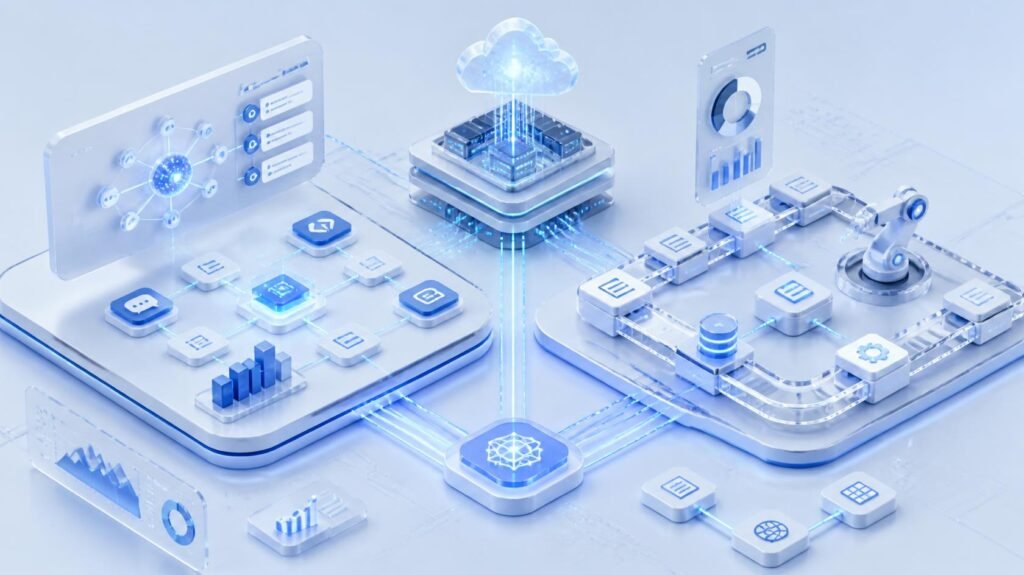
A typical AI Agent Automation architecture can include several components.
1. Goal
The agent receives a defined objective.
For example:
“Review incoming sales leads and identify which ones should be prioritized.”
2. Context
The agent gathers information from approved sources.
This might include:
- CRM records
- Emails
- Company databases
- Product information
- Customer history
- Internal documents
- Knowledge bases
3. Reasoning
The agent evaluates the available information and determines what action should happen next.
4. Tool Use
The agent can interact with connected business systems.
For example:
- CRM
- ERP
- Help desk
- Databases
- Analytics platforms
- Project management tools
5. Action
The agent performs an approved action.
6. Evaluation
The system checks the result and determines whether another step is necessary.
7. Escalation
If the situation is uncertain, sensitive, or outside predefined permissions, the workflow can involve a human.
This creates a more flexible automation model than a simple sequence of predefined actions.
How RPA Works
RPA generally follows a more deterministic workflow.
A business first identifies a repetitive process and defines the steps required to complete it.
For example:
Log in → open report → download file → copy data → update spreadsheet → send email.
The RPA bot executes those instructions.
RPA works especially well when:
- The process is stable.
- Rules are clearly defined.
- Inputs are structured.
- Exceptions are uncommon.
- High-volume repetition is involved.
- The underlying application remains consistent.
This reliability is one reason RPA continues to have a place in enterprise automation even as AI Agent Automation grows.
Benefits of AI Agent Automation
1. Handles Unstructured Information
One of the biggest advantages of AI Agent Automation is its ability to work with information that does not follow a rigid format.
This can include:
- Emails
- Documents
- Customer messages
- Contracts
- Reports
- Support conversations
- Natural-language requests
Instead of requiring every possible variation to be manually programmed, AI can interpret the information and determine what it means.
2. Handles Exceptions More Naturally
Traditional automation is strongest when everything goes according to plan. Real businesses rarely operate that way. Customers submit unusual requests. Documents contain errors. Systems return unexpected responses. Vendors use different formats. AI agents can be designed to recognize these situations and determine whether they can continue, request more information, or escalate the case.
3. Supports Decision-Based Workflows
RPA can follow a rule such as:
If invoice amount > $10,000 → send to manager.
An AI agent can potentially evaluate more context, such as:
- Vendor history
- Invoice details
- Purchase order
- Contract terms
- Previous payments
- Internal policies
The decision can therefore involve more than a single predefined condition.
4. Works Across Multiple Systems
AI agents can connect with multiple applications through APIs, tools, and integrations. This allows an agent to coordinate tasks across systems instead of simply performing isolated actions.
5. Enables Natural-Language Interaction
Employees can interact with AI agents using natural language.
For example:
“Find the highest-priority customer issues from this week and prepare a summary for the support manager.”
The agent can interpret the request, retrieve information, analyze it, and produce an output.
6. Supports More Dynamic Workflows
AI Agent Automation is particularly useful when the workflow changes depending on the information received. That makes it suitable for processes involving investigation, classification, research, recommendations, and exception handling.
Benefits of RPA
Despite the growth of AI agents, RPA still provides several important advantages.
1. High Reliability for Deterministic Tasks
When a task is clearly defined, RPA can execute the same steps consistently.
2. Strong Process Control
Organizations can define exactly what the bot can and cannot do.
This can be important for regulated processes where predictability and traceability matter.
3. Excellent for Repetitive Work
RPA is well suited to tasks that involve repetitive digital actions.
Examples include:
- Data transfer
- Spreadsheet updates
- Report generation
- Form filling
- File processing
- System synchronization
4. Useful for Legacy Applications
Some businesses still depend on older systems that do not provide modern APIs. RPA can interact with those systems through the user interface, making it valuable for connecting legacy applications to modern workflows.
5. Lower Complexity for Simple Automation
If a process is straightforward, adding an AI agent may create unnecessary complexity. A simple deterministic bot can be easier to build, test, monitor, and govern.
Limitations of AI Agent Automation
AI Agent Automation is powerful, but it is not automatically the best solution for every task.
1. Greater Complexity
AI agent systems may require:
- Model integration
- Tool permissions
- Data access controls
- Monitoring
- Evaluation
- Guardrails
- Human escalation
- Security controls
This can make implementation more complicated than traditional RPA.
2. Non-Deterministic Behavior
Unlike traditional RPA, AI systems can produce different outputs for similar inputs. That can be useful for flexibility but challenging when absolute consistency is required.
3. Governance Requirements
Businesses need strong controls around what an AI agent can access and what actions it can perform. An agent that can read data is different from an agent that can approve payments, modify customer records, or send external communications.
4. Higher Risk for Sensitive Decisions
AI agents should not automatically make high-impact decisions without appropriate controls. Human oversight, approval workflows, access restrictions, logging, and testing remain important.
5. Higher Operational Costs in Some Workloads
AI model calls and supporting infrastructure can add costs. For extremely high-volume, simple tasks, RPA may remain more economical.
Limitations of RPA
RPA also has significant limitations.
1. Limited Adaptability
If the process changes, the bot may need to be modified.
For example, if a website changes its interface or a field moves to another location, an RPA workflow may stop working.
2. Weak Handling of Unstructured Data
Traditional RPA is not designed to understand complex human language or interpret documents like a human. Additional AI or document-processing technologies may be required.
3. Exception Handling Can Become Complicated
As exceptions increase, RPA workflows can become increasingly complex. Instead of one simple workflow, organizations may end up maintaining many rules for different scenarios.
4. Maintenance
RPA bots need ongoing monitoring and maintenance.
Changes to:
- Applications
- Interfaces
- Data formats
- Business rules
- Credentials
- Workflows
can require updates.
5. Limited Decision-Making
RPA follows instructions. It does not naturally understand business intent. That makes it less suitable for workflows where the next action depends heavily on context.

AI Agent Automation vs RPA: Real-World Use Cases
The best way to understand the difference is through examples.
Customer Support
RPA:
Update customer records, transfer information, generate standard reports.
AI Agent Automation:
Understand customer requests, retrieve relevant information, troubleshoot common problems, draft responses, and escalate complex cases.
Sales
RPA:
Move lead information between systems, update CRM fields, generate routine reports.
AI Agent Automation:
Research prospects, summarize accounts, analyze conversations, prioritize leads, recommend next actions, and prepare personalized outreach.
Finance
RPA:
Transfer invoice data, update accounting systems, reconcile structured records.
AI Agent Automation:
Interpret invoices, investigate discrepancies, summarize financial documents, and route exceptions.
Human Resources
RPA:
Update employee records and move information between HR systems.
AI Agent Automation:
Answer employee questions, summarize policies, classify requests, and guide employees through internal processes.
IT Operations
RPA:
Run scheduled administrative tasks and move data between systems.
AI Agent Automation:
Investigate alerts, summarize incidents, identify likely causes, recommend actions, and coordinate approved remediation workflows.
Marketing
RPA:
Export campaign reports and move data between marketing platforms.
AI Agent Automation:
Analyze campaign performance, identify patterns, summarize results, recommend optimization opportunities, and prepare content variations.
Which Is More Scalable?
Scalability depends on what is being scaled.
RPA can scale extremely well for high-volume, predictable workloads.
If a company needs to process thousands of identical records every day, a deterministic automation system can be highly efficient.
AI Agent Automation is more useful when organizations need to scale complex knowledge work.
For example, a company may receive thousands of different customer requests. Building a separate RPA workflow for every possible variation could become difficult.
An AI agent can potentially handle a broader range of cases using a goal-oriented approach.
Therefore:
RPA scales repetitive execution.
AI Agent Automation scales adaptive decision-making.
Which Is More Cost-Effective?
There is no universal winner.
The total cost of automation depends on:
- Process complexity
- Volume
- Exception rate
- Integration requirements
- Maintenance
- Infrastructure
- AI model usage
- Compliance requirements
- Human review
- Business impact
For a simple repetitive task, RPA may be the better investment.
For a workflow where employees spend hours interpreting documents, researching information, making decisions, and handling exceptions, AI Agent Automation may generate more value.
The important metric is not simply the technology cost.
It is:
Automation cost compared with the business value created.
AI Agent Automation vs RPA for Different Business Functions
| Business Function | RPA | AI Agent Automation | Best Approach |
|---|---|---|---|
| Data entry | Excellent | Usually unnecessary | RPA |
| Invoice processing | Good for structured invoices | Strong for complex invoices | Hybrid |
| Customer support | Limited | Strong | AI agents |
| Lead qualification | Basic | Strong | AI agents |
| Report generation | Excellent | Useful for analysis | RPA + AI |
| Legacy system automation | Excellent | Depends on integration | RPA |
| Document understanding | Limited | Strong | AI agents |
| Payroll processing | Excellent | Limited need | RPA |
| IT incident triage | Limited | Strong | AI agents |
| CRM updates | Excellent | Useful for context-based updates | Hybrid |
| Data migration | Excellent | Useful for complex mapping | Hybrid |
| Email classification | Basic | Strong | AI agents |
| Repetitive form filling | Excellent | Usually unnecessary | RPA |
| Research workflows | Weak | Strong | AI agents |
Can AI Agents and RPA Work Together?
Yes.
In many cases, the strongest automation strategy is not AI Agent Automation vs RPA.
It is:
AI Agent Automation + RPA.
This is often described as a hybrid or intelligent automation approach.
The AI agent can handle the parts of the process that require interpretation and decision-making.
RPA can then handle predictable execution.
Consider an invoice workflow.
Step 1: AI Agent
The agent receives an invoice and interprets its contents.
Step 2: AI Agent
It identifies the vendor, invoice amount, purchase order, and potential discrepancies.
Step 3: Decision
The agent determines whether the invoice meets predefined approval requirements.
Step 4: RPA
Once the invoice is approved, an RPA bot enters the information into a legacy accounting system.
Step 5: RPA
The bot generates the required record and updates the relevant systems.
Step 6: Human Review
If the agent identifies a high-risk exception, the workflow routes the case to an employee.
This architecture combines the adaptability of AI with the deterministic execution of RPA.
Deloitte similarly highlights the value of combining RPA with AI agents, with RPA continuing to handle structured work while agentic automation addresses more dynamic processes.
AI Agent Automation vs RPA: A Simple Decision Framework
Before choosing a technology, ask these questions.
Question 1: Is the process repetitive?
If yes, RPA may be appropriate.
If the process changes significantly from case to case, consider AI Agent Automation.
Question 2: Is the data structured?
Structured data generally favors RPA.
Unstructured data such as emails, documents, and natural language favors AI agents.
Question 3: Are decisions required?
If employees simply follow fixed rules, RPA can work well.
If employees must interpret context before deciding what to do, AI Agent Automation may be more appropriate.
Question 4: How frequently do exceptions occur?
Low exception rates favor RPA.
High exception rates may justify AI-based automation.
Question 5: How expensive is an error?
For sensitive processes, deterministic controls and human approval may be necessary.
AI should not be introduced simply because it is newer.
Question 6: Does the application have an API?
If an API exists, direct integration may be better than screen-based automation.
If an important legacy application lacks APIs, RPA may remain useful.
Question 7: Can the process be clearly documented?
If you can describe every step precisely, RPA is often a good candidate.
If the challenge is that every case requires interpretation, AI Agent Automation becomes more attractive.
When Should Businesses Choose RPA?
Choose RPA when:
- The workflow is repetitive.
- Business rules are clearly defined.
- Data is structured.
- The process is stable.
- Exceptions are uncommon.
- Consistency is more important than flexibility.
- Legacy applications need UI automation.
- The task involves high-volume digital actions.
Typical examples include:
- Payroll data updates
- Data entry
- Structured invoice processing
- Report generation
- File transfers
- Repetitive CRM updates
- Legacy application automation

When Should Businesses Choose AI Agent Automation?
Choose AI Agent Automation when:
- Inputs vary significantly.
- Data is unstructured.
- Natural language is involved.
- Employees make contextual decisions.
- Exceptions are frequent.
- Multiple systems need to be coordinated.
- The workflow requires research or interpretation.
- The process changes regularly.
Typical examples include:
- Customer support
- Sales research
- Lead qualification
- Document analysis
- IT incident investigation
- Knowledge management
- Email triage
- Complex workflow coordination
When Should Businesses Use a Hybrid Approach?
A hybrid approach is often the strongest option when a workflow contains both predictable and unpredictable steps.
For example:
AI Agent → understands request → makes approved decision → RPA executes repetitive system updates → AI Agent verifies result → human handles exceptions.
This architecture avoids forcing one technology to handle every part of the process.
It also reflects a broader direction in enterprise automation: use deterministic automation where reliability matters most and AI where interpretation and adaptability provide additional value.
How to Implement AI Agent Automation Successfully
Organizations should avoid starting with the technology.
Start with the process.
Step 1: Identify Repetitive Work
Look for processes where employees spend significant time on manual digital tasks.
Step 2: Map the Workflow
Document:
- Inputs
- Actions
- Decisions
- Systems
- Exceptions
- Approvals
- Outputs
Step 3: Separate Deterministic and Dynamic Steps
Mark each step as either:
Rule-based
or
Context-dependent
Rule-based steps may be suitable for RPA.
Context-dependent steps may benefit from AI Agent Automation.
Step 4: Define Permissions
Determine exactly what the AI agent can access and what actions it can perform.
Step 5: Add Human Oversight
High-impact actions should have appropriate approval or escalation mechanisms.
Step 6: Test Before Scaling
Start with a controlled use case.
Measure:
- Accuracy
- Completion rate
- Exception rate
- Cost per transaction
- Time saved
- Human intervention
- Error rate
Step 7: Scale Gradually
Once the automation demonstrates consistent value, expand it to additional workflows.
Security and Governance Matter
AI Agent Automation introduces a different governance challenge than traditional RPA.
An RPA bot usually follows a predefined workflow.
An AI agent can potentially make decisions about which tool to use and what action should happen next.
That means businesses should establish:
- Role-based access
- Tool permissions
- Data boundaries
- Audit logs
- Human approval
- Monitoring
- Model evaluation
- Prompt and policy controls
- Exception handling
- Security testing
The more powerful the agent, the more important these controls become.
Organizations should design agents around the principle of least privilege.
An agent that only needs to read CRM information should not automatically have permission to delete records or approve financial transactions.
The Future of AI Agent Automation and RPA
The future of business automation is not likely to be about completely replacing RPA with AI agents. Instead, organizations are moving toward layered automation, where RPA continues to manage predictable and repetitive tasks while AI Agent Automation handles interpretation, reasoning, research, and dynamic decision-making. Workflow platforms can connect these technologies, while human employees remain involved in high-impact decisions and complex exceptions.
This shift means businesses can use each technology according to its strengths. RPA can provide reliable execution across structured processes, while AI agents can bring flexibility to workflows that require context and adaptability. Combining both approaches can help organizations improve efficiency without abandoning existing automation investments.
The bigger change is the shift from “automate this task” to “automate this business outcome.” Instead of focusing only on individual repetitive activities, businesses can build intelligent workflows that coordinate systems, AI agents, automation bots, and human expertise to achieve broader business goals.
AI Agent Automation vs RPA: Which Automation Approach Is Better?
So, which is better?
RPA is better when:
The work is predictable.
If the process follows the same rules every time, RPA can provide reliable and efficient automation.
AI Agent Automation is better when:
The work requires interpretation.
If employees need to understand context, process unstructured information, make decisions, or manage exceptions, AI agents can provide greater flexibility.
Hybrid automation is better when:
The process contains both predictable and dynamic work.
This is where many organizations can achieve the strongest results.
A practical rule is:
Use RPA for predictable execution. Use AI agents for adaptive decision-making. Use both when the workflow requires both.
The goal should never be to use AI simply because it is newer.
The goal is to build an automation system that is reliable, scalable, secure, measurable, and aligned with the business process.
Conclusion
AI Agent Automation vs RPA is not about choosing one technology over the other. RPA remains highly effective for repetitive, structured, and rule-based processes, while AI Agent Automation is better suited to dynamic workflows that require context, interpretation, decision-making, and exception handling. Businesses should evaluate each process based on its complexity, data structure, scalability, and level of human involvement before selecting an automation approach.
For many organizations, the smartest strategy is to combine both technologies. AI agents can handle intelligent decision-making and unstructured information, while RPA can execute predictable tasks across existing business systems. By using each technology where it performs best, businesses can improve productivity, reduce manual work, and build more flexible automation workflows.
Ultimately, the future of automation is not simply RPA vs AI agents. It is about creating intelligent automation ecosystems where AI Agent Automation, RPA, APIs, business applications, and human expertise work together. The right approach is the one that delivers measurable business value while maintaining security, reliability, scalability, and control.
Frequently Asked Questions
1. What is the difference between AI Agent Automation and RPA?
RPA follows predefined rules and workflows, while AI Agent Automation can interpret context, make decisions within defined boundaries, use tools, and adapt its actions to changing situations.
2. Is AI Agent Automation replacing RPA?
Not completely. RPA remains highly effective for structured, repetitive, deterministic processes. AI agents are more useful for dynamic workflows involving unstructured data and decision-making. Many organizations can benefit from using both.
3. Is RPA cheaper than AI Agent Automation?
For simple, high-volume, deterministic tasks, RPA can be more cost-effective. AI Agent Automation may provide greater value when it replaces significant amounts of knowledge work or exception handling. Total cost depends on the workflow and implementation.
4. Can AI agents work with RPA?
Yes. An AI agent can interpret information and decide what should happen, while an RPA bot performs predictable system actions. This hybrid model can combine adaptability with deterministic execution.
5. Which is better for customer support: AI agents or RPA?
AI Agent Automation is generally better suited to customer support workflows that involve natural language, context, troubleshooting, and variable requests. RPA can still be useful for repetitive backend tasks such as updating customer records.
6. Which is better for data entry?
RPA is usually the better choice when data-entry rules are clear and the input format is structured. AI may become useful when the information needs to be interpreted before entering it into a system.