


Artificial intelligence has transformed nearly every stage of software development. What once required hours of manual coding, debugging, testing, and documentation can now be completed much faster with the help of intelligent AI coding tools. From startups building their first application to enterprise development teams managing complex software systems, developers are increasingly relying on AI to improve productivity, reduce repetitive work, and write better-quality code.
AI coding for developers is no longer limited to code completion. Modern AI coding assistants can generate functions, explain unfamiliar code, detect bugs, suggest performance improvements, create documentation, generate unit tests, and even help developers learn new programming languages. As these technologies continue to evolve, they are becoming an essential part of the software development lifecycle rather than just an optional productivity tool.
Despite these advancements, AI is not replacing developers. Instead, it is enabling them to focus on solving complex problems while automation handles repetitive coding tasks. Developers who understand how to integrate AI into their daily workflows are likely to build applications faster, collaborate more effectively, and deliver higher-quality software.
This guide explores everything you need to know about AI coding for developers, including how AI coding tools work, why AI coding assistants are becoming indispensable, their benefits, real-world applications, and best practices for using AI in modern software development.

What Is AI Coding for Developers?
AI coding for developers implies the use of artificial intelligence during all stages of software development. Rather than writing code manually, developers can interact with intelligent software programs that understand programming languages and software architecture.
Contemporary AI-based coding assistants use language models that have been trained on programming knowledge and generate relevant code suggestions from a prompt and analysis of the current codebase. Contemporary AI coding assistants are capable of supporting dozens of programming languages including Python, JavaScript, Java, C#, Go, PHP, TypeScript, Kotlin, Swift, Rust, and others.
While classic code editors offer only syntax highlighting, AI-based coding assistants provide much smarter suggestions and take into account not only the prompt but also the context in which it is located.
For instance, when a developer writes an API endpoint, an AI coding assistant is capable of generating not only its body but also authentication logic, error handling, request validation, and database queries depending on the codebase.
This dramatically reduces development time while maintaining coding standards.
Why AI Coding Is Changing Modern Software Development
Software development has become increasingly complex over the past decade. Modern applications often involve cloud infrastructure, APIs, databases, microservices, security controls, CI/CD pipelines, frontend frameworks, backend services, and multiple deployment environments.
Managing every aspect manually can slow development and increase the likelihood of human error.
This is where AI software development is making a significant difference.
Instead of spending hours searching documentation or Stack Overflow, developers can receive intelligent recommendations directly inside their development environment. AI can explain unfamiliar functions, suggest optimized algorithms, identify vulnerabilities, and even recommend architectural improvements.
Several factors are driving the rapid adoption of AI coding technologies:
| Traditional Development | AI-Assisted Development |
|---|---|
| Manual code writing | Intelligent code generation |
| Manual debugging | Automated bug detection |
| Manual documentation | AI-generated documentation |
| Writing tests from scratch | Automatic test generation |
| Searching multiple resources | Instant contextual answers |
| Slow code reviews | AI-powered code review |
| Repetitive coding tasks | Automated coding assistance |
As organizations adopt agile development and continuous deployment, reducing development cycles has become a priority. AI enables developers to deliver features more quickly without sacrificing software quality.
How AI Coding Tools Work
Many developers use AI every day without fully understanding how these systems operate.
Modern AI coding tools combine several advanced technologies to provide intelligent assistance throughout the coding process.
The typical workflow looks like this:
- The developer writes a prompt or begins writing code.
- The AI analyzes the surrounding context.
- It understands variables, project structure, libraries, and coding style.
- It predicts the most relevant code.
- Suggestions appear instantly inside the editor.
- The developer reviews, edits, or accepts the recommendation.
Unlike traditional autocomplete, AI considers the broader context rather than simply predicting the next word.
For example, if a developer writes:
Create a function that validates email addressesAn AI coding assistant can generate an optimized function with regular expressions, input validation, comments, and edge-case handling.
Similarly, if a developer selects an existing function and asks for optimization, AI may recommend reducing complexity, improving readability, or increasing performance.
The more context available, the more accurate AI-generated suggestions become.
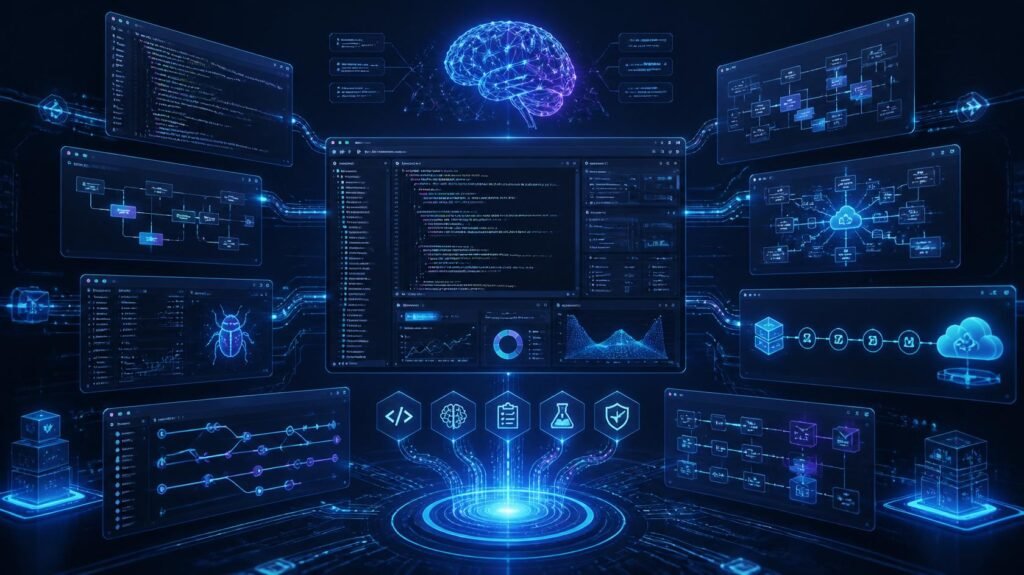
Benefits of AI Coding for Developers
The growing popularity of AI coding for developers is largely driven by the measurable improvements it brings to everyday development tasks. Whether working independently or as part of a large engineering team, developers can use AI to streamline workflows, reduce repetitive effort, and focus on solving more complex problems.
Faster Development
One of the biggest advantages is speed. Rather than writing repetitive boilerplate code from scratch, developers can generate common structures within seconds. Authentication modules, CRUD operations, API endpoints, validation logic, configuration files, and database models can often be created with minimal manual effort.
This significantly reduces development time for both small and enterprise-scale projects.
Improved Code Quality
AI models are trained on millions of coding examples and best practices. As a result, they often recommend cleaner coding structures, improved readability, better naming conventions, and optimized algorithms.
Developers still review every suggestion, but AI provides an excellent starting point that reduces errors and improves maintainability.
Better Learning Experience
Junior developers particularly benefit from AI coding assistants. Instead of simply providing code, many AI systems explain why a solution works.
Developers can ask questions like:
- Why is this function slow?
- Explain recursion with this example.
- Convert this loop into a more efficient algorithm.
- Why am I getting this exception?
Receiving explanations within the development environment accelerates learning without constantly switching between tutorials and documentation.
Increased Productivity
One of the most valuable outcomes of using AI coding tools is higher developer productivity.
Routine tasks such as generating documentation, writing unit tests, formatting code, and creating repetitive functions consume significant time. AI automates many of these responsibilities, allowing developers to concentrate on designing systems, solving business problems, and delivering new features.
The result is faster development cycles without compromising quality.
Types of AI Coding Tools
Not all AI-powered development platforms serve the same purpose. Different categories of tools are designed to assist developers at various stages of the software development lifecycle.
| Tool Category | Primary Purpose |
|---|---|
| Code Completion Tools | Predict and complete code while typing |
| AI Coding Assistants | Answer programming questions and generate code |
| AI Code Review Tools | Identify bugs, security issues, and quality problems |
| AI Testing Tools | Generate test cases and automate testing |
| AI Documentation Tools | Create technical documentation automatically |
| AI Debugging Tools | Explain errors and recommend fixes |
| AI Refactoring Tools | Improve existing code structure |
| AI DevOps Tools | Assist with deployment scripts and infrastructure automation |
Choosing the right combination of AI coding tools depends on the programming language, project complexity, team size, and development workflow.
Why AI Coding Assistants Are Becoming Essential
The role of AI coding assistants has expanded far beyond simple autocomplete. Today, they act as intelligent development partners capable of supporting developers throughout the entire coding process.
They can help developers:
- Generate code from natural language prompts.
- Explain unfamiliar libraries and frameworks.
- Translate code between programming languages.
- Create unit and integration tests.
- Review pull requests for potential issues.
- Suggest performance improvements.
- Identify security vulnerabilities.
- Generate technical documentation.
- Refactor legacy code into cleaner implementations.
For many developers, AI has become a reliable second reviewer—one that is available instantly and can provide guidance on everything from syntax to architecture.
Best AI Coding Tools Every Developer Should Know
The fast development in AI has led to the emergence of new coding platforms that are much more than just autocomplete. The contemporary tools help programmers code, debug, create documentation, conduct peer review, do automated testing, and even suggest architecture improvement.
One should select a proper tool depending on one’s programming language, project requirements, security requirements, and desired environment. There are good tools for individual developers and there are good tools for enterprises.
The following table compares some of the most widely used AI coding tools.
| AI Coding Tool | Best For | Key Features |
|---|---|---|
| GitHub Copilot | General software development | Intelligent code completion, function generation, code explanations |
| ChatGPT | Learning, debugging, architecture | Code generation, debugging, documentation, algorithm explanations |
| Claude | Large codebases | Code analysis, refactoring, documentation, reasoning |
| Amazon Q Developer | AWS development | Cloud automation, infrastructure assistance, AWS optimization |
| Google Gemini Code Assist | Google Cloud projects | Code suggestions, cloud integration, application development |
| Cursor | AI-first coding | AI chat inside IDE, code editing, project-wide understanding |
| Windsurf | Full AI development workflow | Multi-file editing, autonomous coding assistance |
| Tabnine | Privacy-focused development | Local AI models, secure code completion |
| Codeium | Free AI coding assistance | Code generation, autocomplete, IDE integration |
Each of these platforms has strengths depending on the type of development work being performed. Rather than replacing developers, these tools are designed to accelerate workflows and reduce repetitive coding tasks.
How AI Coding Assistants Improve Developer Productivity
One of the biggest reasons organizations invest in AI coding assistants is improved productivity. Developers spend a significant amount of time performing repetitive tasks that add little creative value. AI automates many of these activities, allowing engineers to focus on solving business problems instead of writing boilerplate code.
Consider a typical software development day. A developer may need to:
- Create API endpoints
- Write validation logic
- Generate SQL queries
- Produce documentation
- Write unit tests
- Debug unexpected errors
- Refactor old code
- Review pull requests
Individually, these tasks may seem manageable, but together they consume hours every week.
With AI assistance, many of these repetitive activities can be completed in minutes.
For example, a developer creating a REST API can ask an AI coding assistant to generate a secure endpoint with authentication, validation, logging, and error handling. Instead of starting from a blank file, the developer receives a structured implementation that only requires review and refinement.
This approach doesn’t eliminate developer responsibility it simply removes unnecessary repetition.
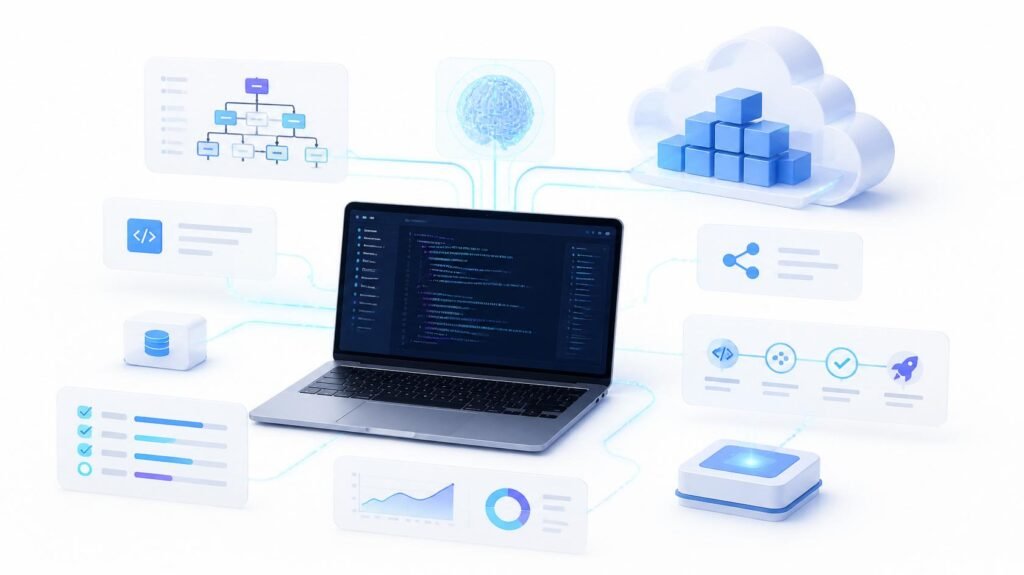
AI Software Development Across the Development Lifecycle
One of the greatest advantages of AI software development is that artificial intelligence can assist throughout every stage of the software lifecycle rather than only during coding.
The software development lifecycle includes planning, designing, coding, testing, deployment, monitoring, and maintenance. AI now contributes meaningfully to each of these phases.
| Development Stage | How AI Helps |
|---|---|
| Requirements Gathering | Generates user stories and functional requirements |
| System Design | Suggests architecture patterns and technology stacks |
| Development | Writes functions, APIs, classes, and reusable components |
| Testing | Creates unit tests, integration tests, and test data |
| Code Review | Detects bugs, security risks, and code smells |
| Deployment | Generates CI/CD workflows and deployment scripts |
| Monitoring | Assists in log analysis and incident investigation |
| Maintenance | Refactors legacy code and updates outdated dependencies |
Instead of viewing AI as a coding assistant alone, organizations increasingly treat it as an intelligent collaborator that supports every phase of software engineering.
AI Coding for Front-End Development
Front-end development often requires repetitive UI creation, responsive layouts, form validation, accessibility improvements, and component management.
Modern AI coding tools significantly reduce the effort required to build user interfaces.
Developers can describe a component in natural language, such as:
“Create a responsive pricing section with three cards and a dark mode.”
The AI can generate HTML, CSS, JavaScript, or React components that closely match the request.
Other common front-end tasks AI assists with include:
- Responsive layouts
- CSS optimization
- React components
- Vue components
- Angular templates
- Form validation
- Accessibility improvements
- State management examples
- UI animations
- Component documentation
This enables developers to spend more time refining user experiences instead of manually creating repetitive layouts.
AI Coding for Back-End Development
Back-end systems often involve authentication, databases, business logic, APIs, background jobs, caching, and integrations.
These are areas where AI coding assistants provide considerable value.
Developers can use AI to:
- Generate REST APIs
- Build GraphQL endpoints
- Create database models
- Write SQL queries
- Optimize database performance
- Generate authentication logic
- Build middleware
- Implement validation
- Create background workers
- Generate configuration files
Instead of repeatedly implementing common patterns, developers can customize AI-generated templates according to project requirements.
This leads to faster delivery while maintaining coding consistency.
AI Coding for API Development
APIs form the foundation of modern software applications. Whether developing mobile applications, SaaS platforms, or enterprise systems, developers spend significant time creating secure and scalable APIs.
AI can automate much of this work.
Examples include:
- Creating CRUD APIs
- Request validation
- Authentication
- Authorization
- Error handling
- API documentation
- Rate limiting examples
- Logging
- Performance optimization
- Response formatting
Developers still validate the generated code, but AI eliminates much of the repetitive implementation work.
AI-Powered Debugging
Debugging is often one of the most time-consuming aspects of software development.
Rather than spending hours tracing stack traces manually, developers can use AI coding tools to identify likely causes of errors.
AI-powered debugging includes:
- Explaining error messages
- Suggesting possible fixes
- Detecting null pointer exceptions
- Finding syntax issues
- Identifying dependency conflicts
- Explaining compiler errors
- Locating logical bugs
- Suggesting performance improvements
Instead of simply pointing out that an error exists, modern AI often explains why it occurred and recommends multiple possible solutions.
This is especially useful for developers learning unfamiliar programming languages or frameworks.
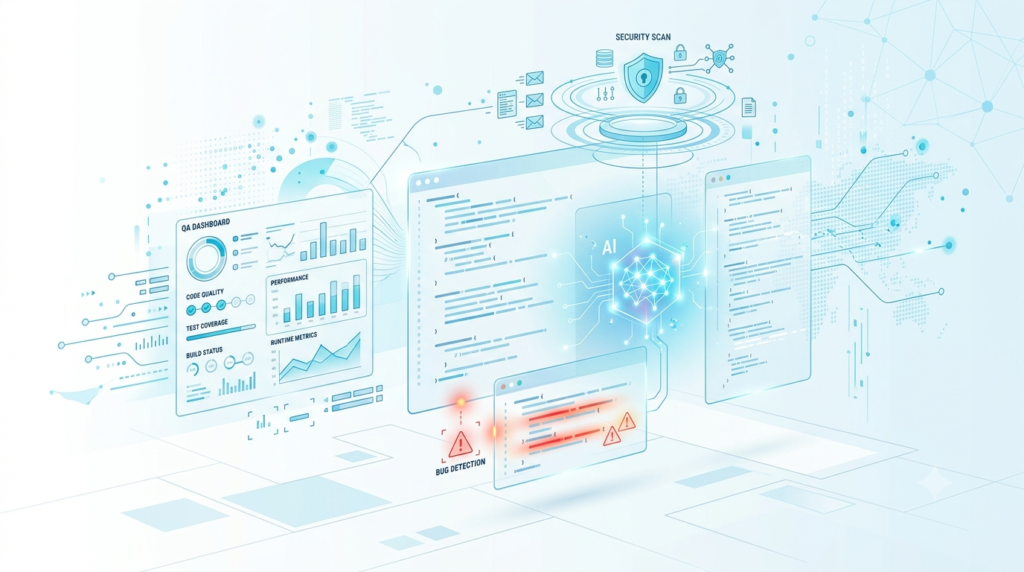
AI Code Review and Quality Assurance
Code reviews are essential for maintaining software quality, but they can become time-consuming for engineering teams.
Today’s AI coding assistants help streamline the review process by analyzing code before it reaches human reviewers.
AI can identify:
- Duplicate code
- Security vulnerabilities
- Performance bottlenecks
- Poor naming conventions
- Code smells
- Unused variables
- Missing documentation
- Memory leaks
- Logic inconsistencies
Rather than replacing peer reviews, AI acts as the first layer of quality assurance, allowing developers to focus on higher-level architectural discussions.
AI for Test Automation
Testing is another area where AI software development is transforming engineering workflows.
Developers often postpone writing tests because of tight deadlines. AI makes test creation significantly easier.
AI can automatically generate:
- Unit tests
- Integration tests
- API tests
- Mock data
- Edge case scenarios
- Regression tests
- Test documentation
For example, after generating a function, developers can ask an AI coding assistant to create comprehensive test cases covering valid inputs, invalid inputs, boundary conditions, and exception handling.
This increases software reliability without dramatically increasing development effort.
Why Human Oversight Still Matters
Although AI has become remarkably capable, it should never be treated as an infallible software engineer.
AI generates code based on patterns it has learned rather than understanding business objectives in the same way a human developer does.
Developers remain responsible for:
- Reviewing generated code
- Validating security
- Protecting sensitive data
- Ensuring regulatory compliance
- Optimizing application performance
- Designing scalable architectures
- Making business decisions
- Testing before deployment
The most successful engineering teams use AI as a productivity multiplier rather than an automatic replacement for technical expertise.
AI Coding Best Practices for Developers
As AI becomes an integral part of modern software engineering, simply using AI isn’t enough. Developers who get the best results follow proven workflows that combine automation with careful human oversight. The goal isn’t to let AI write an entire application unattended it’s to use AI strategically to improve speed, quality, and maintainability.
Whether you’re working on a personal project or enterprise AI software development, following these best practices will help you maximize the value of AI coding tools while minimizing risks.
1. Write Clear and Specific Prompts
AI performs significantly better when it receives detailed instructions.
Instead of writing:
“Create a login page.”
Write:
“Create a responsive React login page using TypeScript with email validation, password visibility toggle, Tailwind CSS styling, JWT authentication placeholders, loading states, and accessible form labels.”
The more context you provide, the more accurate the generated code becomes.
2. Never Copy AI-Generated Code Without Reviewing It
One of the biggest mistakes developers make is assuming AI-generated code is always correct.
Always review:
- Business logic
- Security implementation
- Error handling
- Performance
- Code readability
- Edge cases
Think of AI as a junior developer making suggestions rather than an expert making final decisions.
3. Use AI for Repetitive Tasks
Developers gain the greatest productivity improvements when using AI coding assistants for repetitive work.
Examples include:
- CRUD operations
- Configuration files
- Database models
- Unit tests
- Documentation
- API endpoints
- Boilerplate components
- Validation logic
Automating these routine tasks frees developers to focus on architecture, scalability, and user experience.
4. Protect Sensitive Information
Never paste confidential information into public AI tools.
Avoid sharing:
- API keys
- Customer information
- Passwords
- Access tokens
- Internal source code
- Financial records
- Proprietary algorithms
Organizations should establish AI usage policies and use enterprise-grade AI solutions when working with sensitive projects.
5. Keep Learning Core Programming Skills
AI can accelerate development, but strong programming fundamentals remain essential.
Developers should continue improving their knowledge of:
- Data structures
- Algorithms
- System design
- Databases
- Networking
- Security
- Software architecture
Understanding these concepts enables developers to evaluate AI-generated code critically rather than accepting suggestions blindly.
Common Mistakes Developers Make When Using AI Coding Tools
While AI coding tools improve productivity, improper usage can introduce bugs, security issues, and technical debt.
Here are some of the most common mistakes.
Blindly Accepting Suggestions
Accepting every AI recommendation without understanding it can result in inefficient, insecure, or incorrect implementations.
Always ask:
- Does this meet project requirements?
- Is this secure?
- Is this maintainable?
- Is there a simpler solution?
Ignoring Security
AI-generated code may occasionally overlook security best practices.
Developers should verify:
- Input validation
- Authentication
- Authorization
- SQL injection prevention
- Cross-site scripting (XSS) protection
- Secure API design
- Encryption practices
Security reviews remain a human responsibility.
Overlooking Performance
AI often prioritizes correctness over optimization.
Generated code should be reviewed for:
- Algorithm efficiency
- Memory usage
- Database queries
- Network requests
- Caching opportunities
Performance optimization still requires developer expertise.
Poor Prompt Design
Generic prompts often produce generic solutions.
Instead of repeatedly asking AI to “improve this code,” specify exactly what needs improvement, such as readability, execution speed, accessibility, scalability, or error handling.
Depending Entirely on AI
Developers who rely exclusively on AI may struggle when debugging complex production issues or designing scalable systems.
AI should enhance human expertise not replace critical thinking.
Security and Privacy in AI Software Development
Security is one of the most important considerations in AI software development.
Organizations increasingly integrate AI into development workflows, making it essential to protect intellectual property and customer data.
Key security considerations include:
- Use enterprise AI platforms for proprietary projects.
- Avoid uploading confidential code to public AI services.
- Review generated code for vulnerabilities.
- Apply secure coding standards.
- Keep dependencies updated.
- Monitor third-party libraries.
- Conduct regular security audits.
- Follow industry compliance requirements.
Many organizations now include AI usage guidelines within their secure software development lifecycle (SSDLC) to ensure responsible adoption.
Can AI Replace Software Developers?
This question appears frequently as AI capabilities continue to improve.
The short answer is no AI is transforming how developers work, but it is not replacing the need for skilled software engineers.
AI excels at:
- Generating boilerplate code
- Explaining programming concepts
- Automating repetitive tasks
- Creating documentation
- Writing tests
- Assisting with debugging
However, software development involves much more than writing code.
Developers are responsible for:
- Understanding business requirements
- Designing scalable systems
- Making architectural decisions
- Collaborating with stakeholders
- Solving novel problems
- Balancing trade-offs
- Ensuring security and compliance
- Maintaining software over time
These responsibilities require creativity, judgment, communication, and domain knowledge—areas where human developers continue to play a central role.
Rather than replacing engineers, AI is changing the nature of software development. Developers who learn to work effectively with AI are likely to become more productive and valuable.
The Future of AI Coding for Developers
The future of AI coding for developers is moving beyond autocomplete toward intelligent, collaborative development environments.
Several trends are expected to shape the next generation of AI-assisted software engineering:
Autonomous Development Agents
AI systems are beginning to handle multi-step development tasks, such as implementing a feature across multiple files, updating documentation, generating tests, and proposing deployment changes.
Developers will increasingly supervise these agents instead of manually completing every repetitive task.
Smarter AI Coding Assistants
Future AI coding assistants will develop a deeper understanding of entire codebases, coding standards, architecture, and team workflows.
This will enable more accurate recommendations tailored to specific projects.
AI-Powered Code Reviews
Code reviews will become more proactive, with AI identifying security risks, performance bottlenecks, maintainability issues, and potential bugs before a pull request reaches reviewers.
This can reduce review time while improving software quality.
AI Across the Entire Software Development Lifecycle
AI will continue expanding beyond coding into planning, architecture, testing, deployment, monitoring, and maintenance.
Instead of isolated tools, developers will work within integrated platforms where AI supports every stage of software delivery.
Greater Focus on Responsible AI
As adoption grows, organizations will place greater emphasis on transparency, privacy, governance, and responsible AI usage.
Developers will need to understand not only how to use AI effectively but also how to use it ethically and securely.
Key Takeaways
- AI coding for developers is improving productivity across the software development lifecycle.
- AI coding tools help automate repetitive tasks such as code generation, testing, debugging, and documentation.
- AI coding assistants enhance developer workflows but still require human review and decision-making.
- AI software development enables faster delivery, better collaboration, and improved code quality when combined with strong engineering practices.
- The most successful developers will be those who combine technical expertise with effective AI-assisted workflows.
Conclusion
Artificial intelligence is revolutionizing the methods that are currently used in software development. From creating the code and testing to debugging and documentation, AI coding for developers has become one of the critical features in order to deliver high-quality software products faster.
Due to the constantly growing number of AI coding solutions, developers can save their time by automating routine tasks, increasing their productivity, and dealing with real engineering challenges. No matter if they are creating applications for web, mobile, cloud, or any other type of software, the AI technology helps at every step of development process.
But at the same time, the successful integration and usage of AI requires developers to examine AI-created code, use proper security measures, not disclose any confidential information, and continue developing their programming skills. It is important to remember that AI coding should complement, but not substitute human abilities.
As AI coding assistants develop further, they will gain even more abilities to comprehend the context of the project, cooperate in a team, and create full-cycle AI software development. Developers who start using these technologies will be more likely to build scalable and innovative applications in future.
Frequently Asked Questions
1. What is AI coding for developers?
AI coding for developers refers to using artificial intelligence to assist with software development tasks such as code generation, debugging, testing, documentation, code review, and optimization. Instead of replacing developers, AI acts as an intelligent assistant that improves productivity and helps create high-quality software more efficiently.
2. How do AI coding tools improve developer productivity?
Modern AI coding tools automate repetitive tasks like writing boilerplate code, generating unit tests, creating documentation, identifying bugs, and suggesting code improvements. This allows developers to focus on solving business problems, designing scalable systems, and building innovative features.
3. Are AI coding assistants suitable for beginners?
Yes. AI coding assistants are valuable learning companions for beginners because they can explain programming concepts, generate sample code, identify mistakes, and recommend best practices. However, new developers should understand the generated code instead of copying it without review.
4. Can AI write complete software applications?
AI can generate significant portions of an application, including APIs, user interfaces, database models, and tests. However, developers are still responsible for system architecture, business logic, security, integration, testing, and deployment. Human expertise remains essential for building reliable production software.
5. Is AI-generated code secure?
AI-generated code can follow good practices, but it should never be assumed to be secure by default. Developers should review all generated code for vulnerabilities, validate inputs, implement proper authentication and authorization, and follow secure coding standards before deploying software.